
Cybersecurity
Security That Keeps Threats Out
Every business is a target. Ransomware, phishing, and stolen passwords cost small businesses time, money, and their customers’ trust, and the attacks get more convincing every year.
We protect your devices, network, and people with layers of security: managed anti-virus, firewalls, automatic updates for Windows and your other software, and practical advice for your team. It’s the protection of a large IT department, sized for your business.
How We Protect You
Bitdefender GravityZone Anti-Virus
Cloud-managed protection against malware and ransomware on every device, with central monitoring.
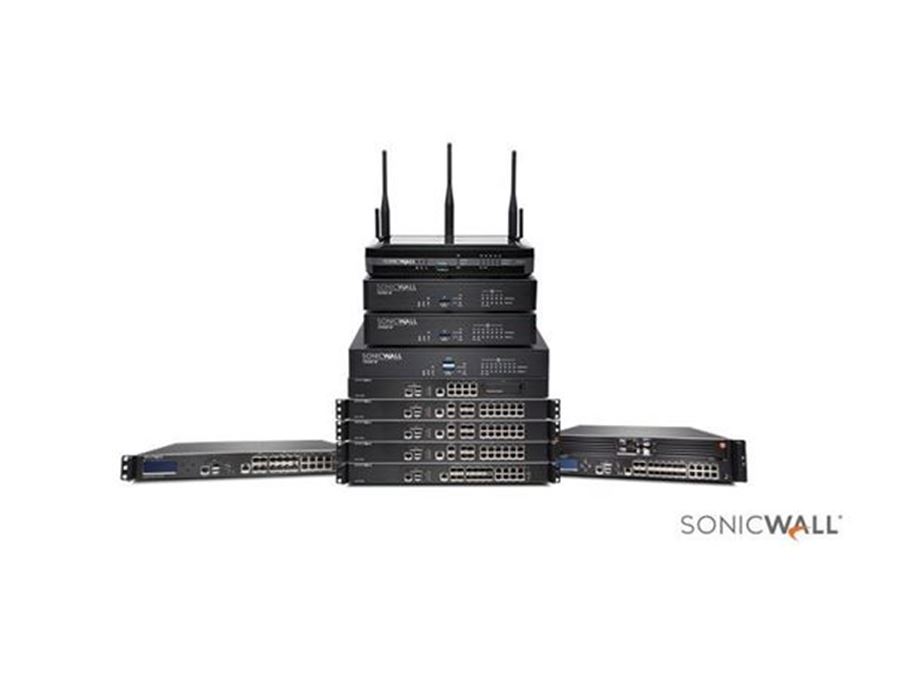
SonicWall Firewall Administration
Expert setup, management, and monitoring of your firewall for continuous protection at the edge of your network.
Automatic Windows Updates
Microsoft security patches installed on schedule across your computers and servers, without the hassle.
Third-Party Software Updates
Browsers, PDF readers, and other common apps kept up to date, closing the holes attackers use most.
Legacy Windows Protection
Computers that must stay on an older version of Windows can keep getting security fixes with 0patch micropatches.
Security Guidance
Practical advice and training that help your team spot phishing and avoid risky habits.
Tips For Staying Secure
A few habits go a long way toward keeping your information safe.
Don’t Use Unsupported Windows
Windows versions past end of life no longer get security updates, so new flaws stay open. Windows XP, Vista, 7, 8, and 8.1 have all reached that point. Upgrade to a supported version, or talk to us about protecting a computer that has to stay.
Use Strong Anti-Virus Software
Good anti-virus blocks harmful software before it can do damage. Keep it running and up to date on every computer.
Replace Equipment Past Its End Of Life
Routers, firewalls, and other network devices that no longer get updates leave holes in your security. Replacing them keeps you protected and reliable.
Be Careful On Public Wi-Fi
Public Wi-Fi is often unsecured, making it easy to intercept passwords and card numbers. Skip sensitive tasks on it, or use a VPN.
Watch Out For Suspicious Email
Phishing emails imitate people and companies you trust. Be wary of unexpected attachments, urgent requests, and links that ask you to sign in.
Older Windows can be compromised in minutes. In a 2024 video, YouTuber Eric Parker connected an unprotected Windows XP virtual machine straight to the internet, with no firewall or router, and within minutes it was under attack from several viruses.
Frequently Asked Questions
What is ransomware?
Ransomware is malicious software that locks your files and demands payment to unlock them. Up-to-date software, good anti-virus, careful email habits, and regular backups that are kept separate from your network are the best defense.
What should I do if I clicked a suspicious link?
Don’t enter any passwords. Disconnect the computer from the internet, change the password of any account you signed in to from another device, and call us. The sooner it’s checked, the less harm it can do.
Do I really need anti-virus on every computer?
Yes. One unprotected computer can let an attack spread to the rest of your network. Managed anti-virus protects every device and lets us see and stop threats quickly.