
Network & Server Support
Networks And Servers Built To Stay Up
“We’ll build your network infrastructure, then support it.”
Your network and servers are the foundation everything else runs on. We design, install, and manage them for you, from firewalls, switches, and Wi-Fi to on-site and Microsoft Azure servers, so your team stays connected and your data stays safe.
Whether you’re opening a new office, replacing aging equipment, or need someone to look after what you already have, we tailor the work to your business and support it long after the install.
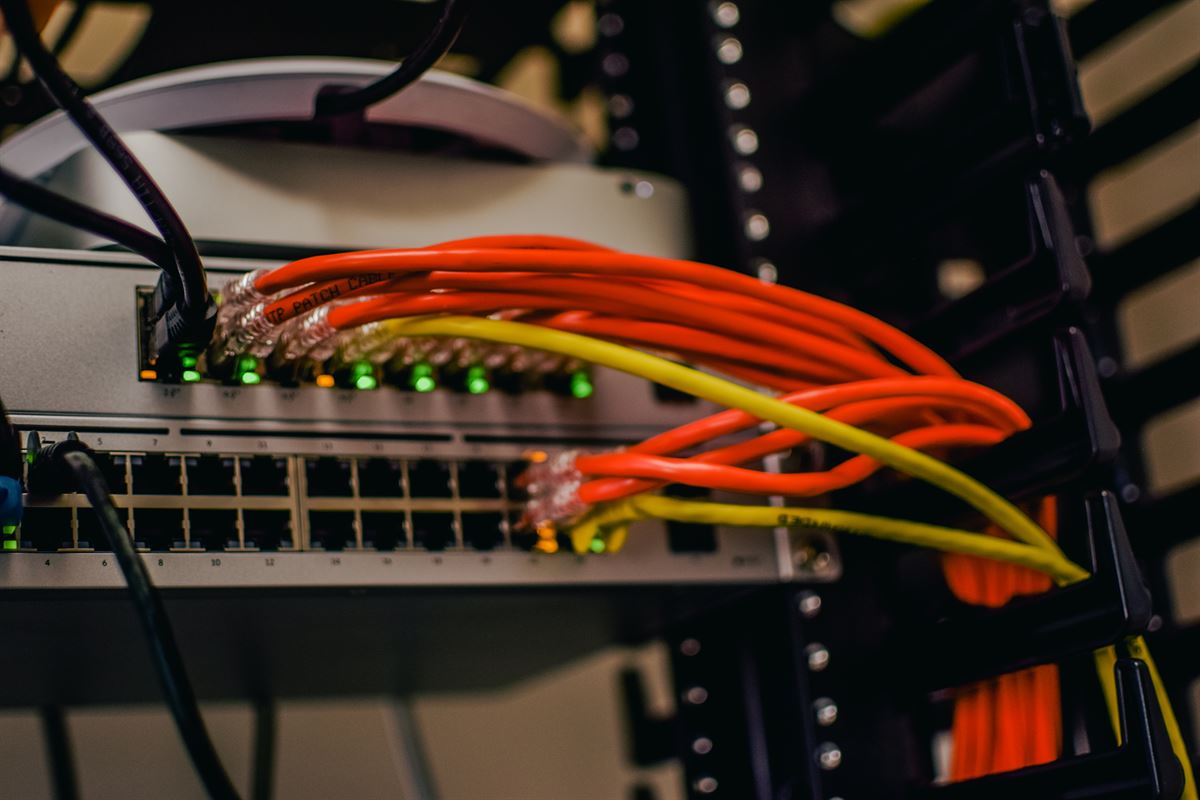
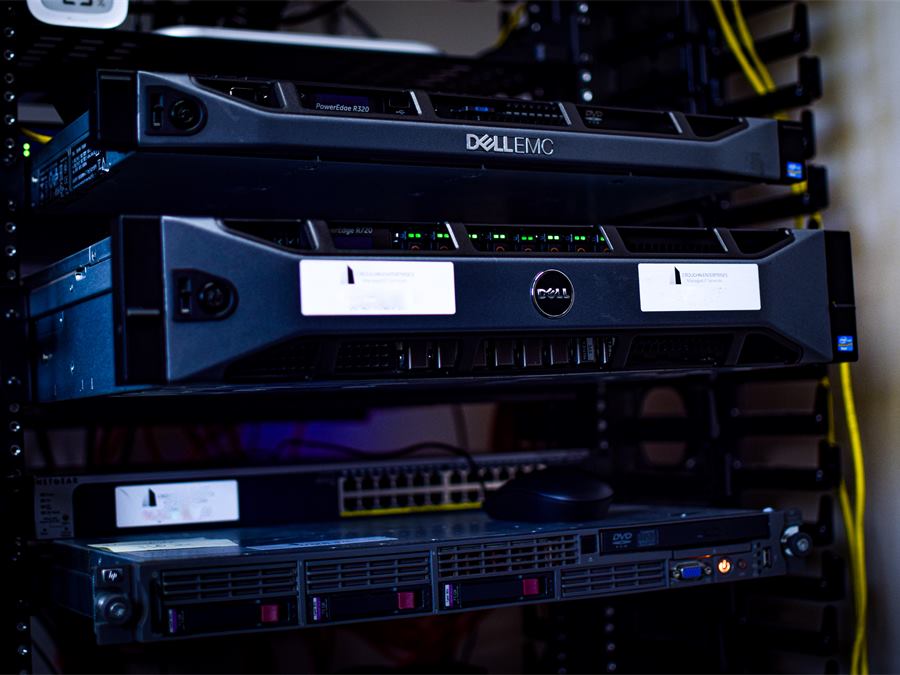
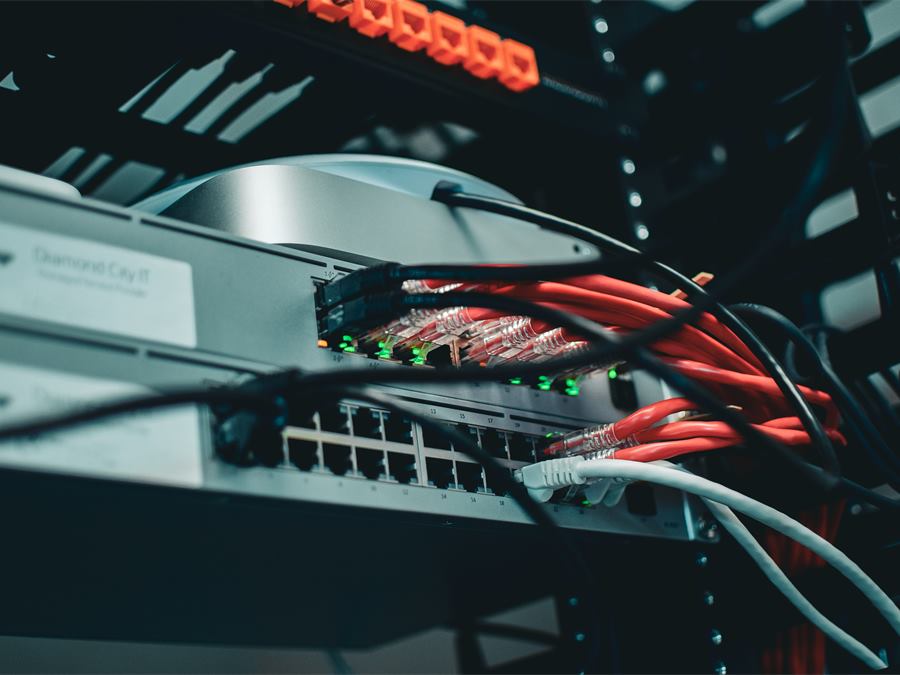
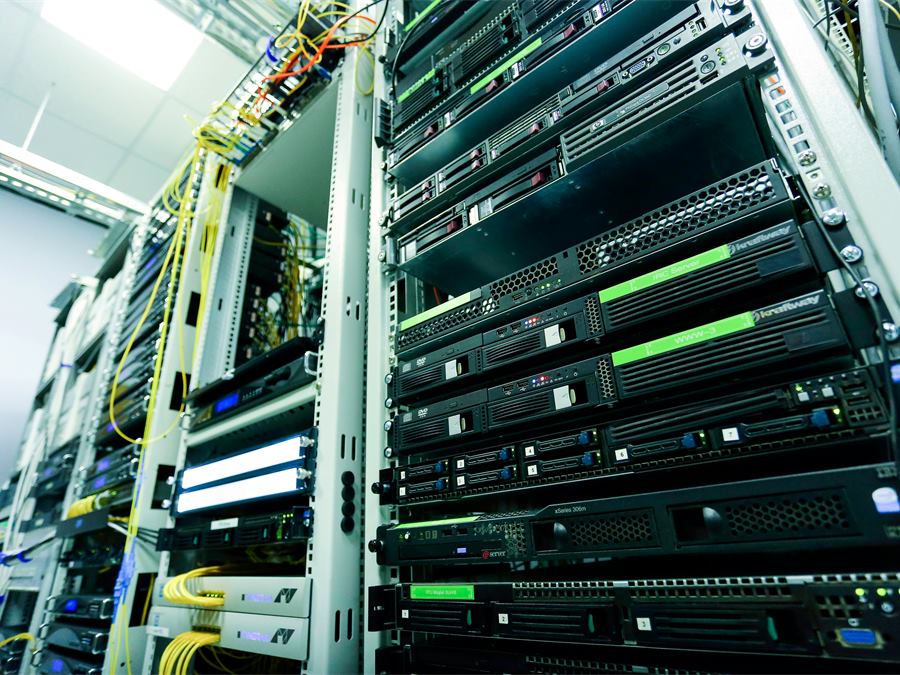
Networking
Fast, secure connections for every office, device, and remote worker.
Firewall Administration
We configure, manage, and monitor your firewalls to keep out unauthorized access and cyber threats.
Switch Management
Network switches set up and tuned for fast, reliable connections across your organization.
Wi-Fi Networking
Strong, secure wireless coverage that grows with your building and your team.
Remote Access
Remote Desktop and SonicWall Secure Mobile Access connect your team safely from anywhere.
Virtual Private Networking
Encrypted VPN connections give remote staff and branch offices private access to your network.
Internet Security
Protection against malware, phishing, and intrusions at the edge of your network.
Server Management
Monitoring, maintenance, and fast response for servers in the cloud or on-site.
Patch Management
Operating systems and software on your servers kept up to date, reducing vulnerabilities and improving reliability.
24/7 Alerting & Monitoring
We watch your servers around the clock and respond quickly when something needs attention.
Fast Hardware Replacements
Quick turnaround on failed parts, so your business keeps running.
Surge Protection & UPS
Battery backup and surge protection that guard against power problems and keep data safe.
Microsoft Azure Servers
Cloud servers managed, monitored, and tuned for performance, security, and growth.
Virtual Disaster Recovery
Virtualized backups that bring your systems back online quickly after a disaster.
Frequently Asked Questions
What is a VPN, and does my business need one?
A VPN, or virtual private network, creates an encrypted connection between a device and your network over the internet, so information stays private. If your team works remotely or you have more than one office, a VPN gives them safe access to shared files and systems.
How can I make our network faster and more reliable?
Keep equipment and firmware up to date, replace hardware that can’t keep up, and prioritize important traffic like video calls. A professional network assessment finds the bottlenecks, and ongoing monitoring catches problems before your team notices.
How often should network equipment be replaced?
Most network hardware should be reviewed every three to five years, and sooner once it stops receiving security updates. Firmware and software updates should be installed as they’re released.
How often should servers be patched?
Security patches should go on promptly, since they close holes attackers look for. Other updates can wait for a scheduled maintenance window to avoid disrupting your team.
How do you keep server downtime to a minimum?
Around-the-clock monitoring, maintenance outside business hours, backup power, redundancy where it matters, and a tested disaster recovery plan, so problems are caught early and recovery is fast when something does fail.